
PLEX REMOTE ACCESS HELP

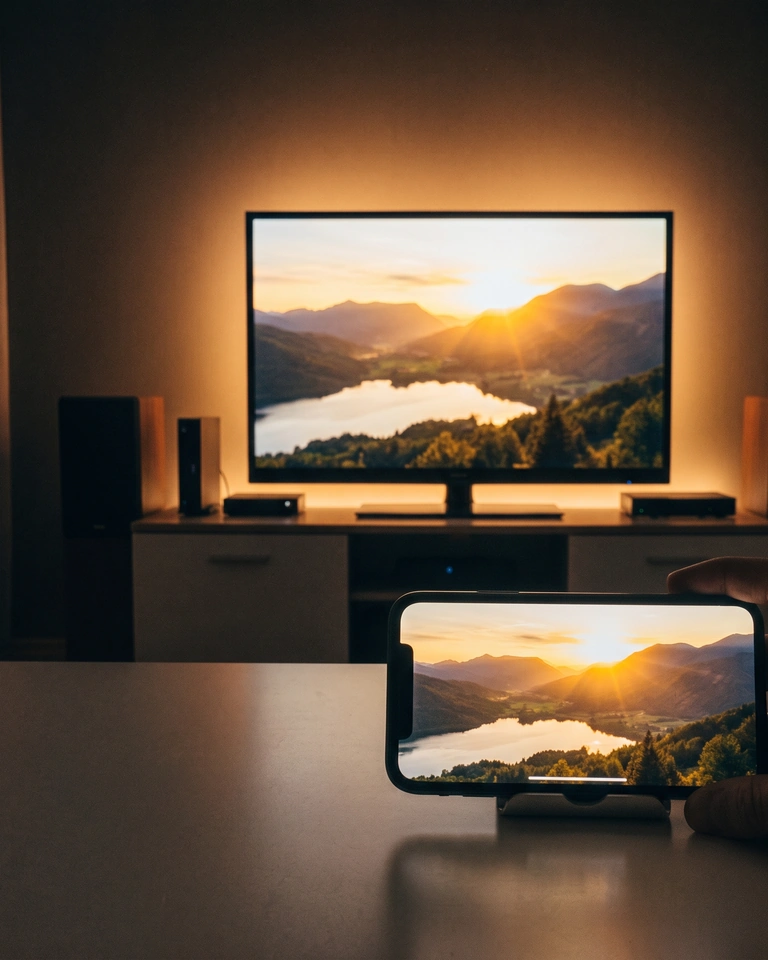
Plex works at home but not away?

We troubleshoot your existing Plex setup remotely and test playback on mobile data.

THE THREE FAILURES WE SEE

What is going wrong?

01

It will not connect outside

Plex says remote access is unavailable, or the phone cannot reach the server on cellular data.

02

It connects indirectly

Playback works through relay or an indirect path, then drops in quality or refuses a direct connection.

03

It keeps buffering

The library opens away from home, but the stream stalls, transcodes badly, or drops after a few minutes.

HOW WE TEST
Find the failing layer, then prove the fix.

  1. Record the path. Check Plex Remote Access, the router WAN address, and whether the client is on cellular or another network.
  2. Rule out CGNAT. If the public address is shared by the carrier, port forwarding cannot work. Choose Tailscale, relay, or another approved path instead.
  3. Change one layer. Test the Plex host, one client, and one route. Keep the old value and roll back if the result does not improve.
  4. Play for two minutes. Confirm direct/indirect status, audio, and stability in Plex Dashboard. A green settings page is not the acceptance test.
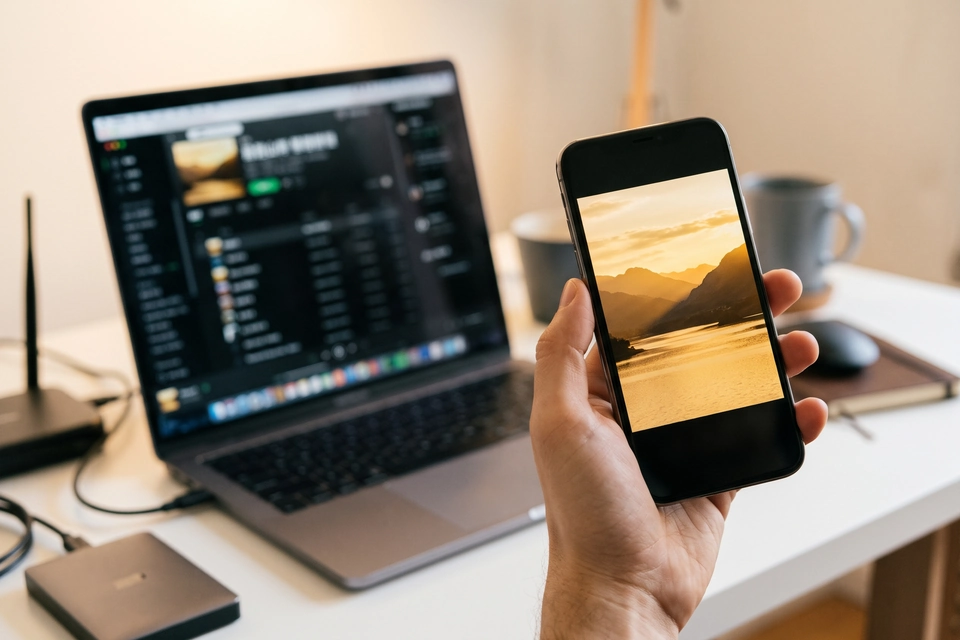
A laptop running Plex next to a phone playing the same media
We verify the server and the playback device together.

SERVICE SCOPE

What is included

Included

  • One existing Plex host and one client path
  • Remote-access diagnosis: CGNAT, port forwarding, relay, Tailscale, or reverse proxy
  • One playback test away from home
  • A short handover note with the tested result and rollback steps

Not included

  • Building a new media library or acquiring content
  • Changing your whole-home router without approval
  • Guaranteed direct play on every device or ISP
  • Account passwords; attend the session or use a temporary grant

FAQ

Before you book

Can you fix it if my ISP uses CGNAT?

Port forwarding will not work, but a private path such as Tailscale or a relay-based setup may. We test which path your hardware and client can actually use.

Do you need my Plex password?

No. Attend the session or use a temporary grant. I do not ask for account passwords in the first email.

Will this make every remote stream direct?

No. The result depends on the ISP, router, upload speed, and client codecs. I test the best stable path and document the remaining limit.

What should I send first?

The Plex host OS, the client device, what happens on cellular, and what you have already tried. Do not send passwords.

NEXT STEP

Tell us what happens away from home.

Send the device, OS, exact symptom, and whether the client is on cellular or another Wi-Fi. We will confirm scope and a fixed quote before booking.

No passwords. A real reply comes from hello@handytasklab.com.